Fomrix
Web app · runs in your browser, nothing to download
Fomrix is an AI-powered web app for generating, inspecting, and preparing 3D assets in the browser. It enables users to create 3D models from images or text, offering tools for viewing and converting various 3D formats for web, creative, and 3D printing workflows.
- Paid
- price
- Online only
- offline
- Installable
- install
Catalogued January 1, 2026 · Curated by Web Apps Directory team
Fomrix opens in a browser tab — no download.
Bonus: install Fomrix from your browser
Why we recommend Fomrix
Fomrix earns a recommendation for its comprehensive browser-based 3D asset workflow, eliminating the need for dedicated desktop software for basic tasks. Its AI capabilities allow users to generate interactive GLB assets from images and create starting 3D models from text descriptions. The platform also includes practical 3D tools like GLB, STL, and OBJ viewers, GLB to STL conversion, and STL repair, making it a versatile hub for creating and preparing assets for various uses, including web and 3D printing. The ability to turn full-body artwork into a character asset further highlights its specialized features.
Best use cases
Best for: Designers and creators needing to quickly generate 3D models from images or text prompts. Ideal for preparing 3D assets for e-commerce, web development, or 3D printing, with integrated tools for inspection and repair. Useful for reviewing geometry, materials, and animation data without external software.
Honest limitations
Fomrix is not designed for advanced 3D editing, sculpting, or complex production cleanup, which may still require dedicated 3D software. While it facilitates the initial creation and preparation, users should be aware that generated models may require further refinement. Pricing information is available, indicating that generation and certain features may consume credits or require a paid plan.
Are you the maker of Fomrix? Claim this listing →
More in Design & Creative
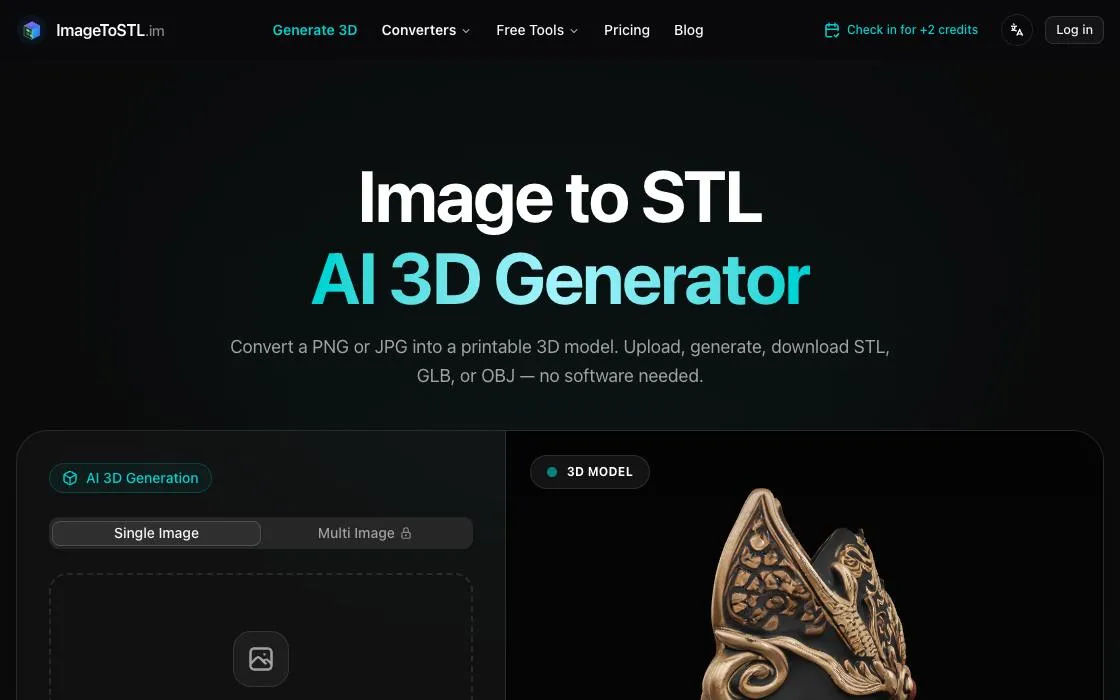
ImageToSTL
ImageToSTL converts 2D images to 3D printable STL models. Utilize AI to generate 3D objects from a single photo or use free browser tools for heightmap reliefs. It supports PNG, JPG, and WebP, allowing export to STL, GLB, or OBJ formats directly from your browser, without needing software installation.
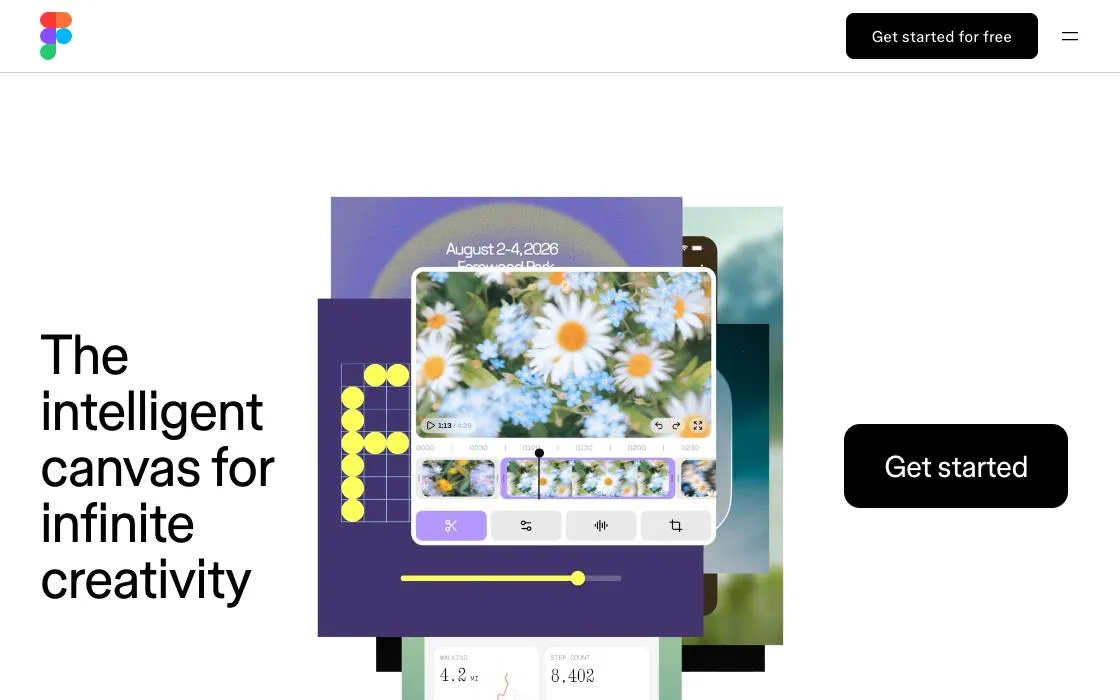
Figma
Collaborative interface design tool in the browser: vector editing, components, prototyping, developer handoff and FigJam whiteboards, with multiplayer editing at its core. Free tier for individual files and small teams.
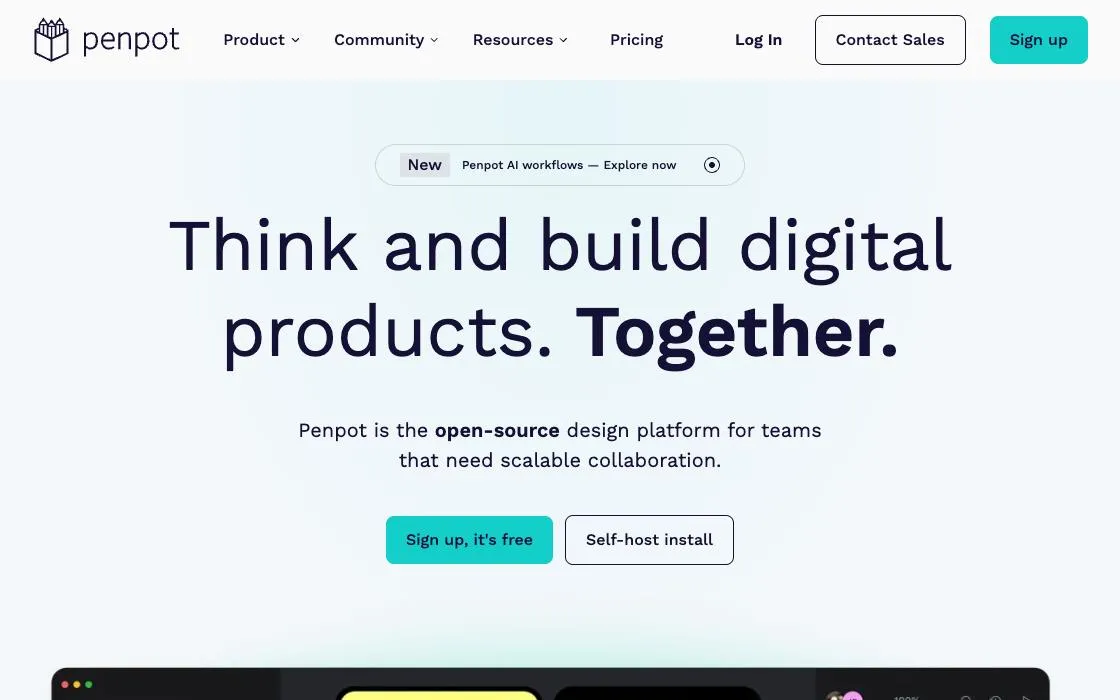
Penpot
Open-source design and prototyping platform using SVG and open web standards — components, auto-layout via flexbox and grid concepts, and self-hosting. Free with no editor limits.
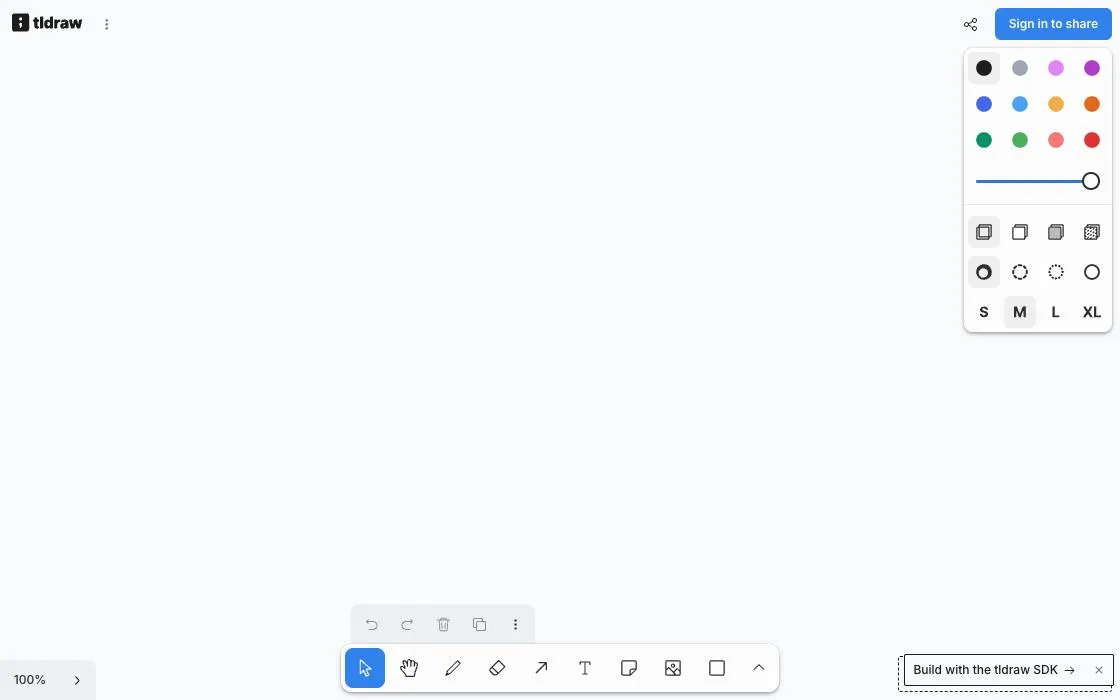
tldraw
Instant collaborative whiteboard with a deliberately simple toolset — draw, connect, share a multiplayer room from the URL. Open-source SDK powers canvases in many other products. Free, no account.

AI Baby Generator
AI Baby Generator helps users create AI future baby previews by uploading parent photos. It analyzes visible facial traits to generate realistic baby portraits for fun, curiosity, and social sharing. Users can choose to generate a baby boy, baby girl, or a surprise variation. The tool also supports creating baby videos and podcast content.
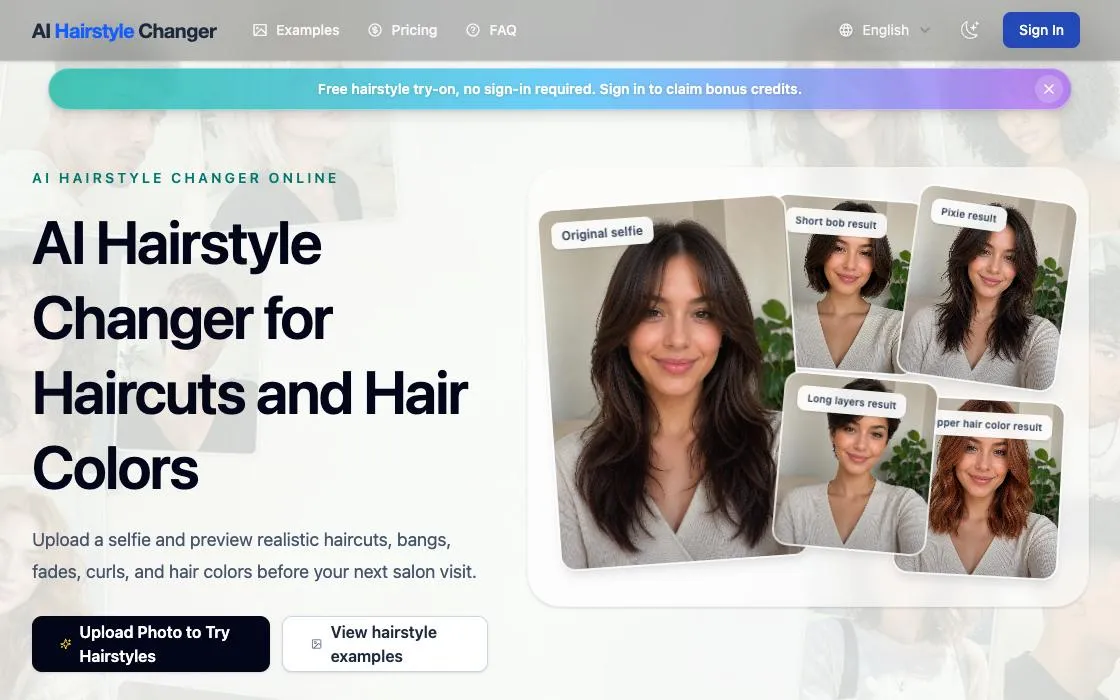
AI Hairstyle Changer
Upload a photo to preview AI haircuts, bangs, fades, curls, and hair colors. This web app offers a free virtual hairstyle try-on, allowing users to see before-and-after hairstyle ideas online without signing in, making it a convenient tool for visual planning.
Own a web app? See the listing options — standard submission is free.