Allcolorscreen
Web app · runs in your browser, nothing to download
Allcolorscreen offers a comprehensive suite of free, browser-based tools for display and monitor testing. It includes utilities for checking dead pixels, color accuracy, uniformity, and response time. Users can also access calculators for aspect ratios and screen resolution, along with interactive tools like a white noise generator and fake update screens.
- Free
- price
- Online only
- offline
- Browser only
- install
Catalogued January 1, 2026 · Curated by Web Apps Directory team
Allcolorscreen opens in a browser tab — no download.
Why we recommend Allcolorscreen
Allcolorscreen provides a valuable collection of display diagnostic tools accessible directly in your browser without any downloads or account requirements. Its strength lies in offering a wide array of specific tests, from checking for dead pixels and banding to evaluating gamma calibration and monitor response time. This makes it a highly convenient resource for anyone needing to assess the quality and performance of their monitor, whether for a new purchase or routine maintenance. The inclusion of various calculators, like the aspect ratio and pixels to inches converter, further enhances its utility, providing practical tools beyond just display testing.
Best use cases
Best for: Quickly diagnosing screen issues on any monitor or device display, such as identifying dead pixels or checking color accuracy. Ideal for users who need to calibrate their gamma, test for screen burn-in, or evaluate monitor sharpness without installing software. Also useful for calculating screen dimensions, converting pixels to inches, or using interactive utilities like the white noise generator.
Honest limitations
Allcolorscreen is designed for browser-based testing and does not offer advanced hardware-level diagnostics that dedicated software might provide. It is not an installable application and requires an active internet connection to access its tools. While comprehensive for a web-based utility, it may not meet the needs of professional calibrators requiring highly precise measurements or specialized display analysis features.
Are you the maker of Allcolorscreen? Claim this listing →
More in Utilities
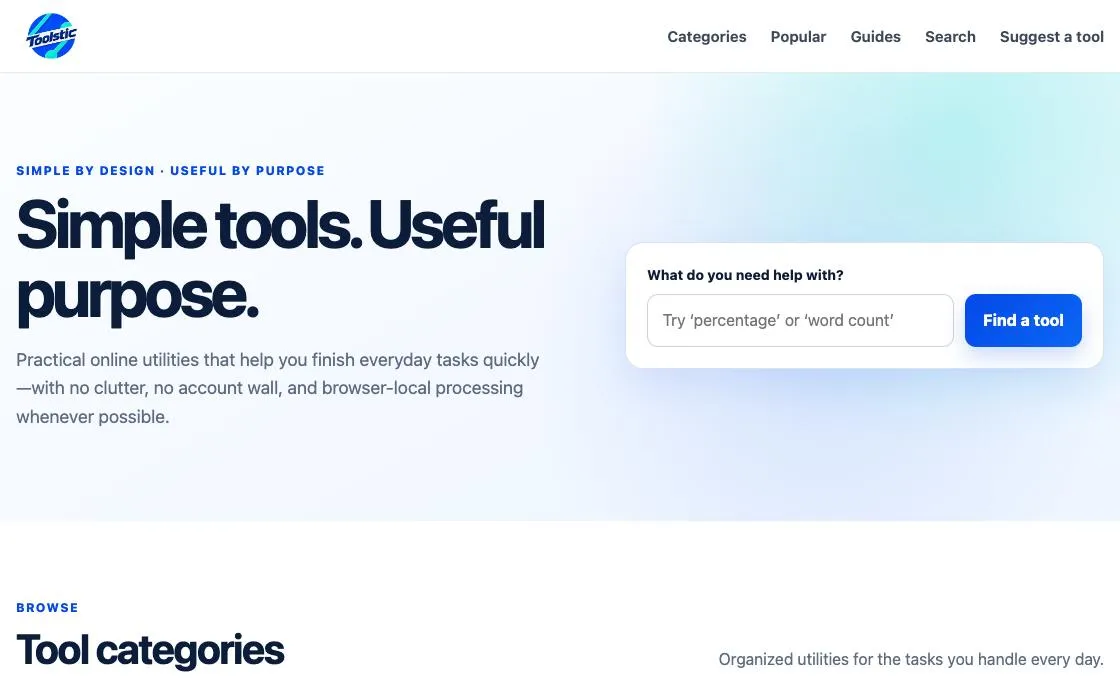
Toolstic
Toolstic provides a diverse collection of simple online tools for everyday tasks. Users can access utilities for image editing, writing, math, finance, conversions, and more, all running directly in the browser. It focuses on privacy-minded, browser-local processing without account requirements.
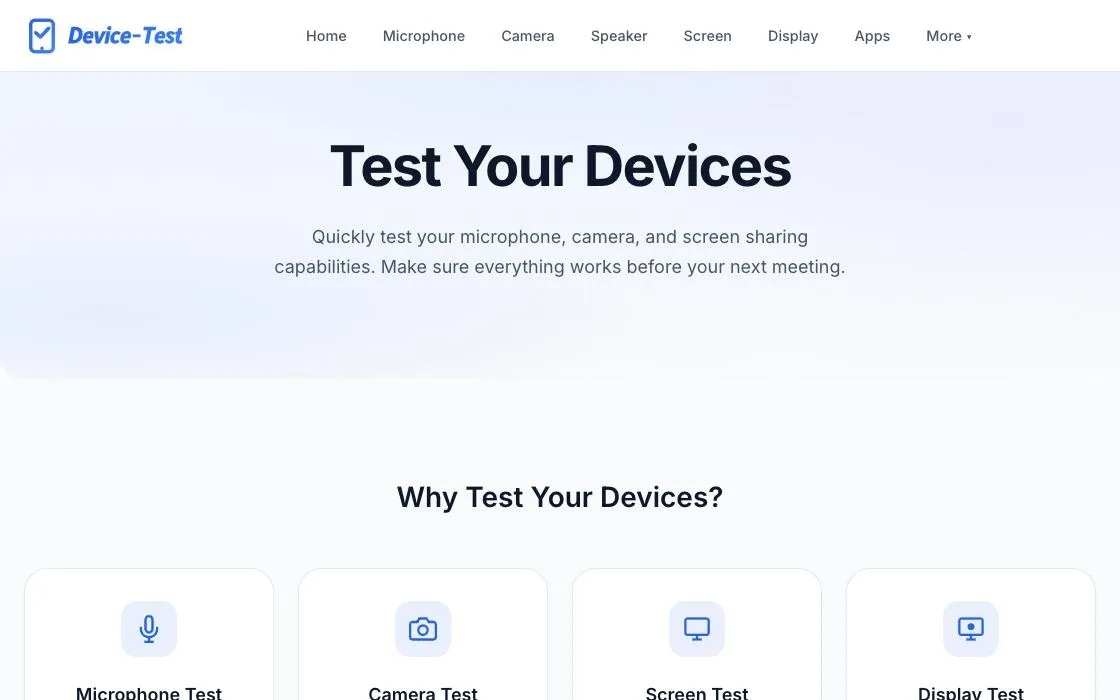
Device-Test
Device-Test is a free online tool for checking your hardware devices directly in the browser. It allows users to test microphones, cameras, screens, speakers, keyboards, and other inputs and sensors to ensure they are working properly before important meetings or for general troubleshooting. All tests run locally without sending data to servers.
WebGPUStress
WebGPUStress is an online GPU stress test and browser benchmark tool. It allows users to assess their browser's WebGL and WebGPU performance by simulating heavy graphical workloads. This utility is designed for individuals interested in understanding their system's graphics capabilities directly within their web browser.
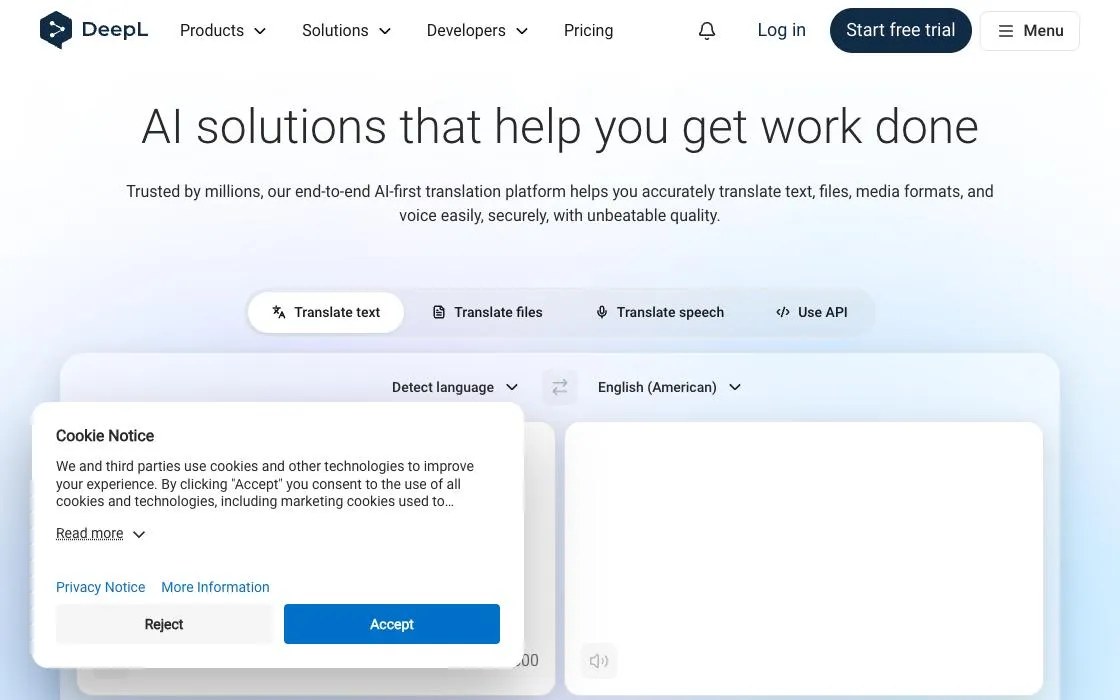
DeepL Translator
Machine translation renowned for natural, nuanced output across 30+ languages, with document translation, formality control and a glossary. Free tier translates generous amounts of text.

Have I Been Pwned
Check whether your email address or passwords have appeared in known data breaches, and subscribe to alerts for future leaks. Free public service run by security researcher Troy Hunt.
R-Speedo
R-Speedo is an EV dashboard that runs in the browser, offering real-time telemetry, GPS navigation, and monitoring for Electric Vehicle (EV) components. It integrates with Votol and Fardriver controllers, as well as JK, Daly, and ANT BMS systems. Designed for modern browsers, it supports Web Bluetooth for BLE telemetry.
Own a web app? See the listing options — standard submission is free.