Blur Face
Web app · runs in your browser, nothing to download
Blur Face is a free, browser-based privacy tool for photos and videos. It utilizes AI to automatically detect faces locally in your browser, ensuring no image uploads are required. Users can customize blur intensity, choose redaction styles, and remove sensitive EXIF metadata before exporting. It supports batch processing and is designed for privacy-conscious individuals.
- Free
- price
- Online only
- offline
- Installable
- install
Catalogued January 1, 2026 · Curated by Web Apps Directory team
Blur Face opens in a browser tab — no download.
Bonus: install Blur Face from your browser
Why we recommend Blur Face
Blur Face stands out as a powerful and privacy-centric web app for image and video redaction. Its core strength lies in its 100% browser-based processing, meaning no photos or videos are uploaded to a server, addressing a significant privacy concern. The AI-powered automatic face detection simplifies the redaction process, and users have control over blur intensity and different blocking styles like pixelation or black bars. Beyond face blurring, the app automatically strips sensitive EXIF metadata upon export, adding an extra layer of privacy. The support for batch processing for multiple images and availability in 12 languages makes it a versatile tool for a broad audience seeking to protect visual privacy efficiently.
Best use cases
Best for: Quickly blurring faces in personal photos before sharing online, redacting sensitive information from screenshots or documents without server uploads, and ensuring privacy by removing location and device details (EXIF metadata) from images. Ideal for individuals concerned about data privacy and those needing a fast, free tool for anonymizing visual content directly in their browser.
Honest limitations
While robust for privacy, Blur Face is not designed for advanced photo editing beyond redaction and metadata removal. It does not offer features like color correction, object manipulation, or creative filters. As a browser-based tool, its performance may depend on device capabilities and browser resources for very large files or extensive batch processing. The current offering is free, with availability and limits subject to change as the service evolves.
Are you the maker of Blur Face? Claim this listing →
More in Photography
Pic Collage Maker
Pic Collage Maker is a free online tool for creating professional photo collages, grids, and long images. It offers over 20 templates, including nine-grid, magazine-style, and movie screenshot layouts. The app processes images locally in the browser, ensuring 100% privacy without uploads, and supports drag-and-drop editing.
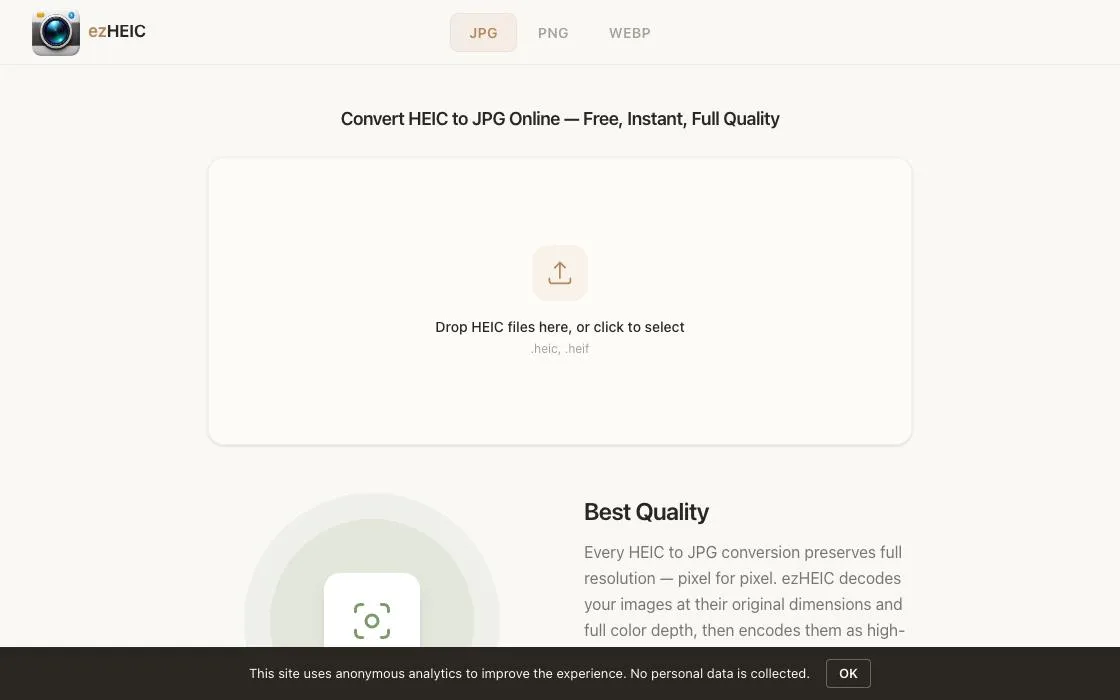
ezHEIC
ezHEIC is a free online converter for HEIC files, allowing users to convert them to JPG, PNG, or WebP formats directly in their browser. It provides instant, full-quality conversions without uploads, sign-up, or privacy concerns. Ideal for iPhone and iPad users needing to share or use HEIC photos across various platforms.
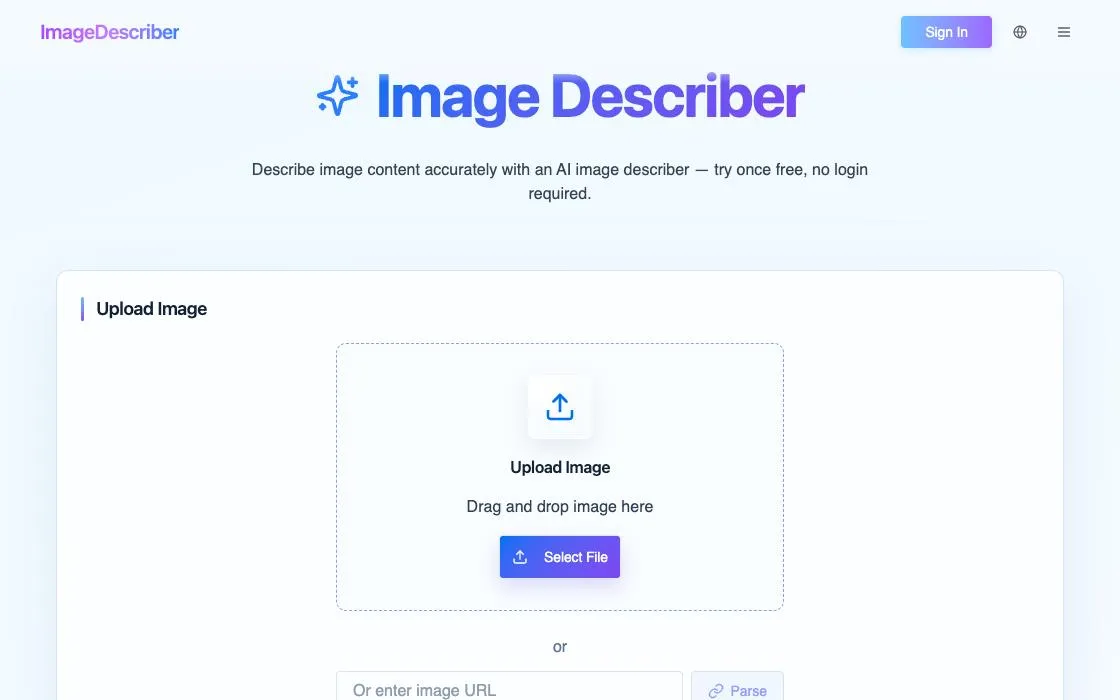
Image Describer
Image Describer is a web application that generates textual descriptions for uploaded images. It helps users understand and contextualize visual content. This tool is designed for anyone needing quick, automated summaries of their images, enhancing accessibility and information extraction from visual data.
JPG2Excel
JPG2Excel is a free online converter that transforms JPG, JPEG, PNG, BMP, TIF, and TIFF table images into editable Excel spreadsheets. It uses OCR and AI to detect rows, columns, headers, and table structure, allowing you to download XLSX, XLS, or CSV files for data analysis.
ConvertAndEdit
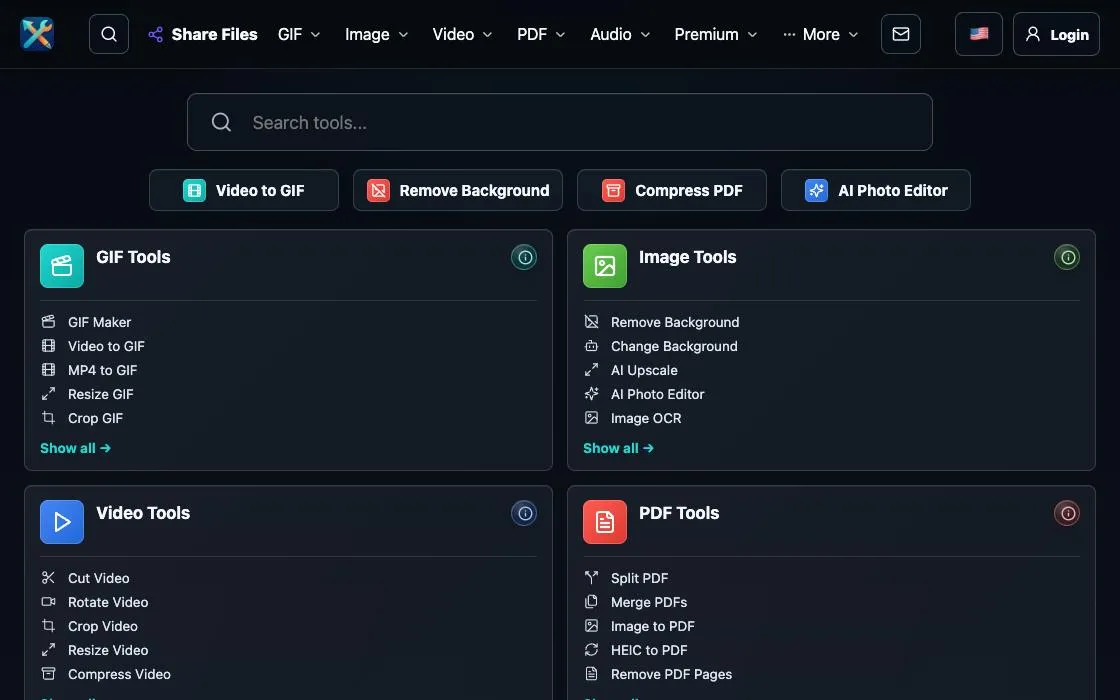
ConvertAndEdit offers free online tools for editing and converting video, image, and GIF files. It enables users to perform various tasks such as resizing, cropping, and applying effects without watermarks. The platform focuses on providing accessible utilities for common media manipulation needs directly in the browser.
ImgMin
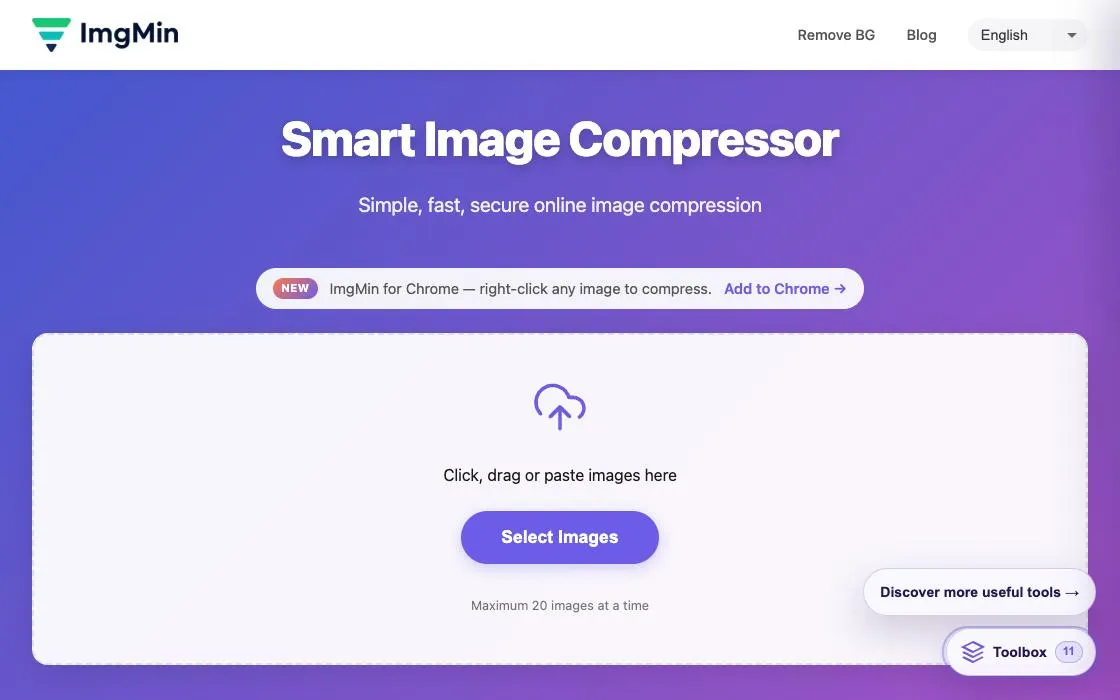
ImgMin is a free, privacy-first online image compression tool that runs entirely in your browser. It supports JPG, PNG, and WebP formats, allowing users to reduce file sizes by up to 80% without uploading images to a server. All processing is client-side, ensuring data privacy and security.
Own a web app? See the listing options — standard submission is free.