Article Formatter
Web app · runs in your browser, nothing to download
Article Formatter is a free online utility that cleans and standardizes text for web publication. It converts problematic Windows-1252 characters to UTF-8, fixes email line breaks, and generally cleans up text from word processors for platforms like WordPress, Blogger, and other content management systems.
- Free
- price
- Online only
- offline
- Browser only
- install
Catalogued January 1, 2026 · Curated by Web Apps Directory team
Article Formatter opens in a browser tab — no download.
Why we recommend Article Formatter
Article Formatter is highly recommended for its precise and private text clean-up capabilities. It directly addresses common frustrations when pasting content from Microsoft Word into web platforms by converting specific Windows-1252 characters (like smart quotes, em dashes, and ligatures) into their universally compatible UTF-8 equivalents. This prevents 'garbled text' issues. Furthermore, it intelligently handles email line breaks, merging choppy lines into natural paragraphs while preserving intentional paragraph breaks. The app also boasts a strong privacy stance, processing all text client-side in your browser, ensuring no data is transmitted to servers or stored, making it safe for sensitive content.
Best use cases
Best for: Bloggers and content creators preparing articles for WordPress, Blogger, Squarespace, or similar CMS platforms. Users who frequently copy text from Microsoft Word or email clients and need to ensure correct character display and paragraph formatting online. Anyone requiring a secure, client-side tool to clean up text before publishing or using it in other web-based editors like Google Docs, without privacy concerns.
Honest limitations
Article Formatter is a specialized text utility. It is not designed for complex document editing, advanced styling, or comprehensive grammar and spell-checking. While excellent for character encoding and line break issues, it doesn't offer features for layout design, image management, or collaborative editing. It operates solely within the browser and does not offer offline functionality or native desktop application features.
Are you the maker of Article Formatter? Claim this listing →
More in Utilities
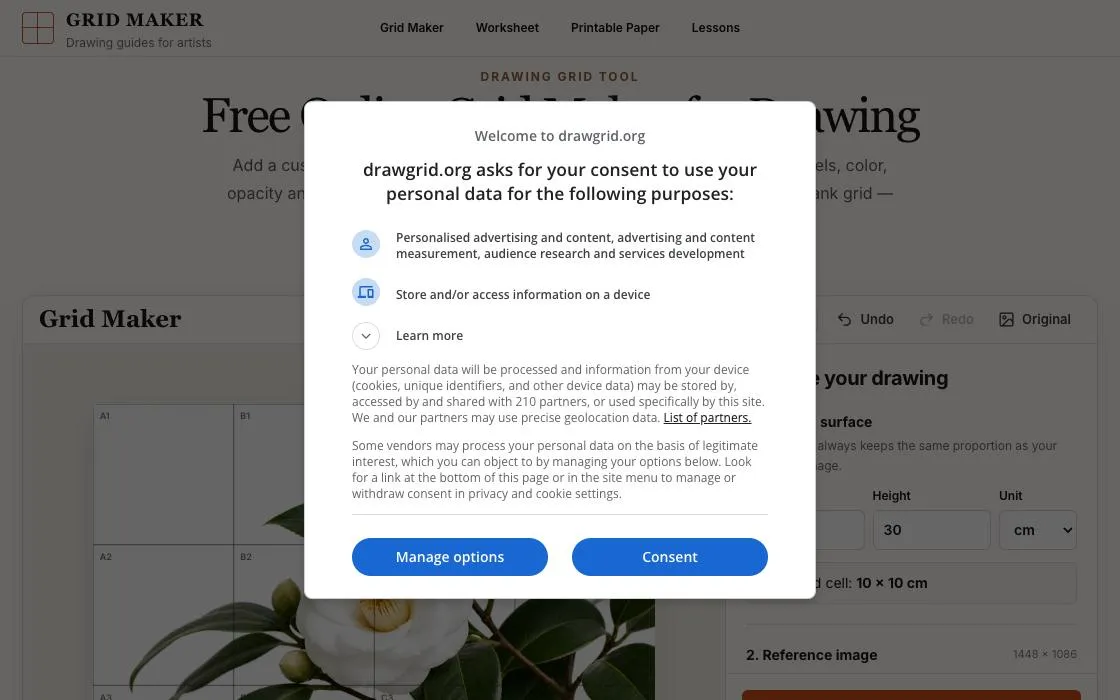
DrawGrid
DrawGrid is a free online grid maker for artists. It allows users to add a customizable grid to any reference photo directly in their browser. Users can adjust grid size, add A1-style labels, and set color, opacity, and line thickness. The tool supports downloading gridded references or matching blank grids without requiring sign-up.
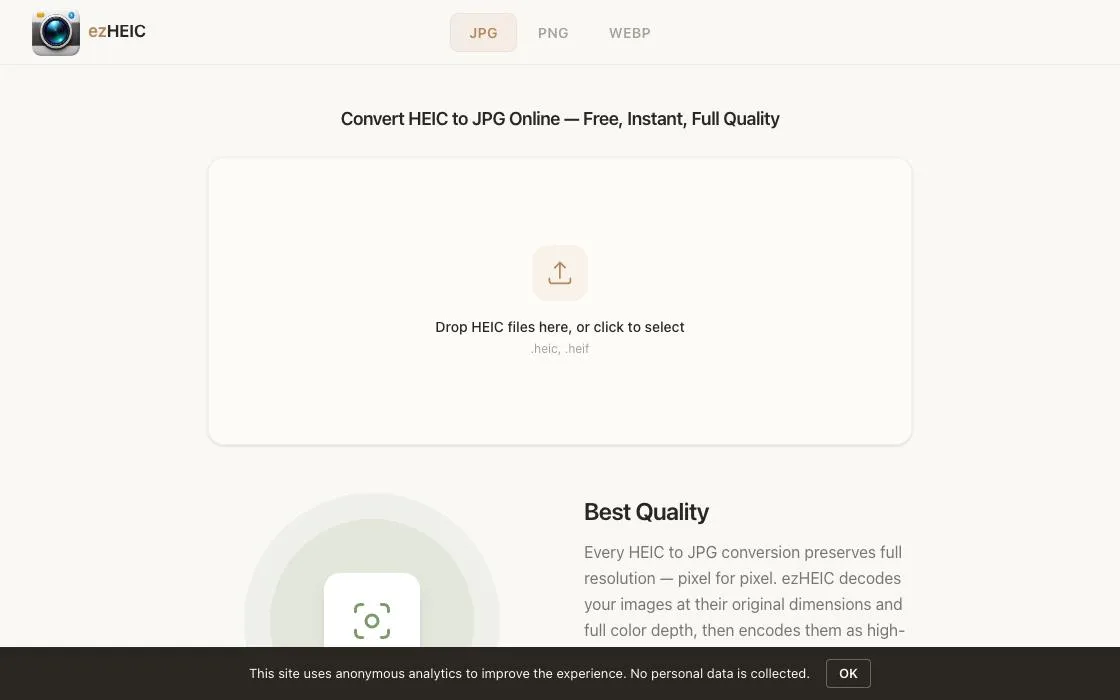
ezHEIC
ezHEIC is a free online converter for HEIC files, allowing users to convert them to JPG, PNG, or WebP formats directly in their browser. It provides instant, full-quality conversions without uploads, sign-up, or privacy concerns. Ideal for iPhone and iPad users needing to share or use HEIC photos across various platforms.
Pic Collage Maker
Pic Collage Maker is a free online tool for creating professional photo collages, grids, and long images. It offers over 20 templates, including nine-grid, magazine-style, and movie screenshot layouts. The app processes images locally in the browser, ensuring 100% privacy without uploads, and supports drag-and-drop editing.
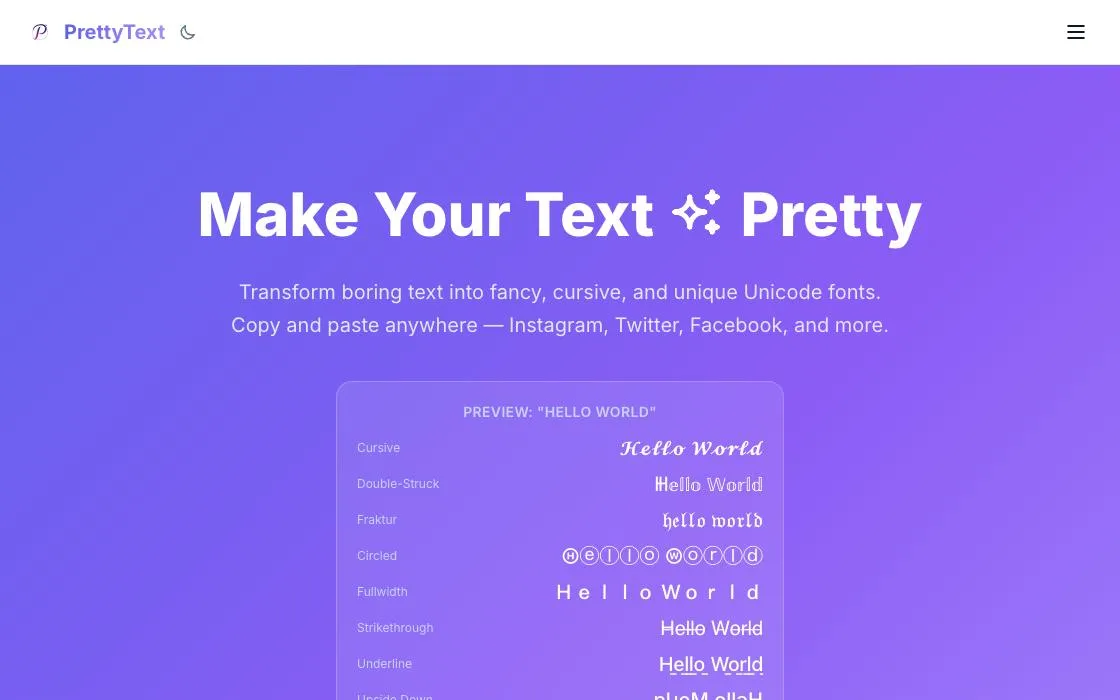
PrettyText
PrettyText provides a suite of online text generators for creating fancy, cursive, and unique Unicode fonts. It's designed for users looking to format and decorate text, particularly for use on social media platforms like Instagram. The app offers copy-and-paste functionality for easy integration.
AI Photo Editor
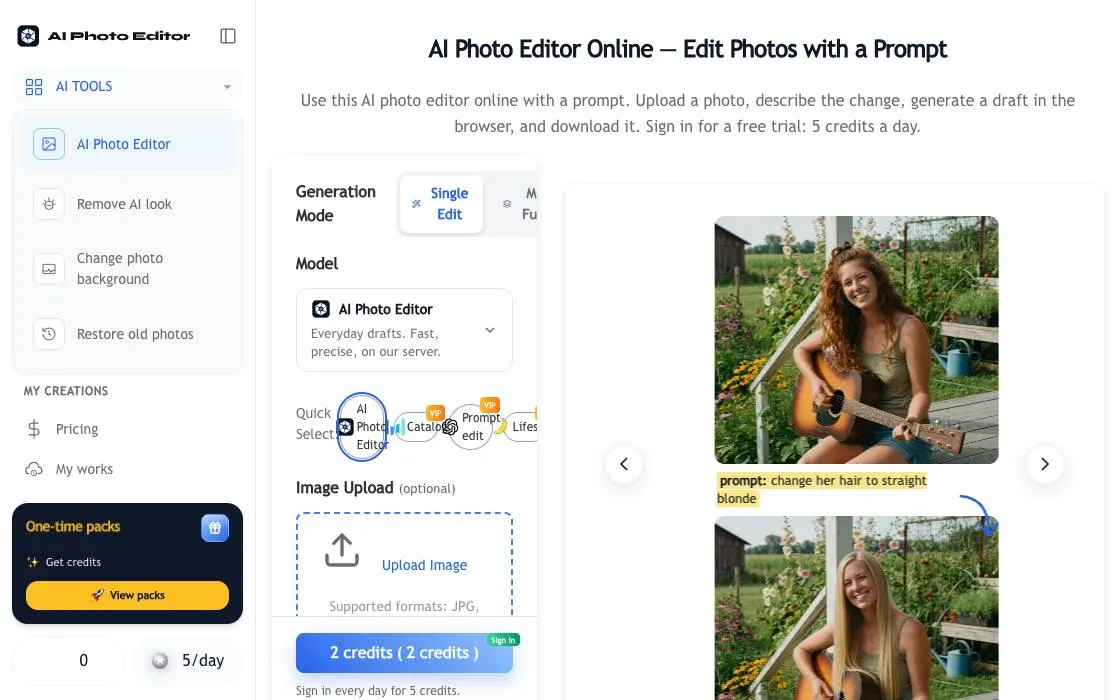
AI Photo Editor is an online web app for generating and editing photos using text prompts. Users can upload images, describe desired changes, and generate drafts directly in the browser. It offers a guest trial, with Google sign-in and credits for continued use. Various generation modes and models cater to different editing needs.
FreyaVideo Photo Animation
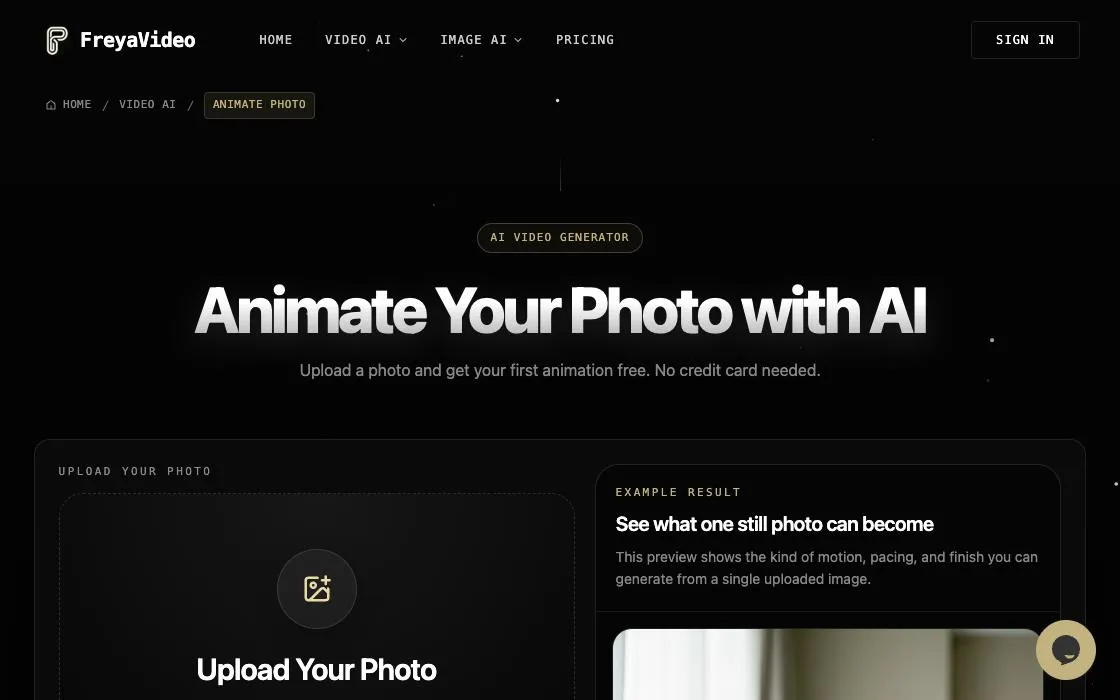
FreyaVideo Photo Animation uses AI to transform still images into videos. It supports various image types like portraits, landscapes, and old photos, offering a one-image workflow for generating short video clips. Users can select different AI models and effects to animate photos online.
Own a web app? See the listing options — standard submission is free.